
Search for information · ← / →
How to turn search result pages with arrow keys
Keep comparing results without repeatedly finding Next. On supported search pages, → opens the next page and ← opens the previous one.
 Watch the recording
Works on supported paginated pages. Site layouts and availability can change.
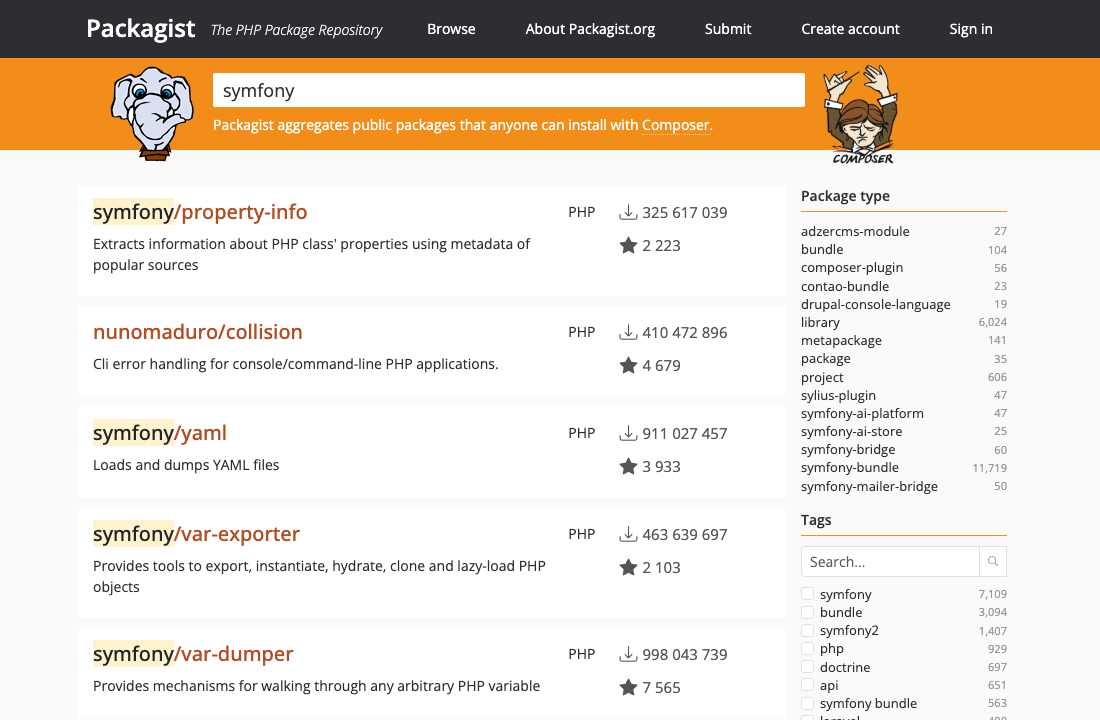
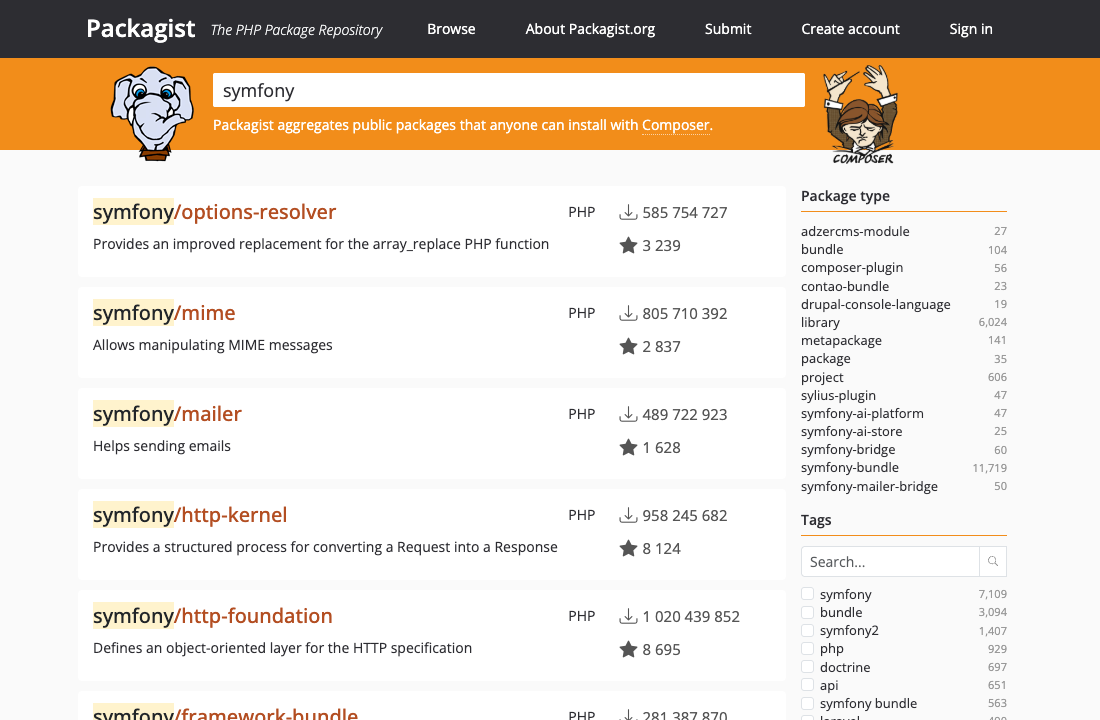
Real page captures · interactive demo
Try the arrow buttons
Page 1 of 2
Packagist · Symfony results. This demo switches recorded screenshots.
01 / Packagist
Try it with a real search
Search Symfony packages on Packagist. Open page 1, leave the search field, press → for page 2, then ← to return. On page 1, ← stays on that page.
Editing a search query? The arrows still move the cursor. Click outside the search box before turning a page. ← moves to the previous results page; it is not the browser Back command.
02 / Get started
No page change? Check these first.
Does this page have a next or previous page? Infinite scrolling is different.
Is the cursor in a search box? Move focus outside it.
Is this site enabled in the extension popup?
Still stuck? Submit a site support request from the popup on that page.
Search pagination questions
Does this work on every search engine?
Support depends on the website and its current pagination. Check the supported sites directory for examples.
Does it change my search query?
No. The extension leaves arrow keys alone while you edit a search query.
Can I go back to an earlier results page?
Yes, when the page has a supported previous-page target. At the first page, there may be no previous target.
Make your next page a keypress away.
Try Arrow Navigation on a website you already browse.